
FluentCRM Integration
Automatic wishlist tagging in FluentCRM. Know who's interested in what, segment by product, trigger re-engagement automations.
If you're running FluentCRM, FCHub Wishlist can automatically tag contacts based on their wishlist activity. No manual work, no CSV imports, no "I wonder what products people are interested in" guessing.
How It Works
When a customer adds a product to their wishlist, the plugin applies a tag to their FluentCRM contact. Remove the item, the tag is removed. It's real-time — no cron delays, no batch processing.
What Gets Tagged
| Event | Tag Applied | Tag Removed |
|---|---|---|
| Customer adds item to wishlist | wishlist:active | — |
| Customer removes item from wishlist | — | If wishlist is now empty |
| Customer purchases wishlisted item | — | If auto-remove is enabled |
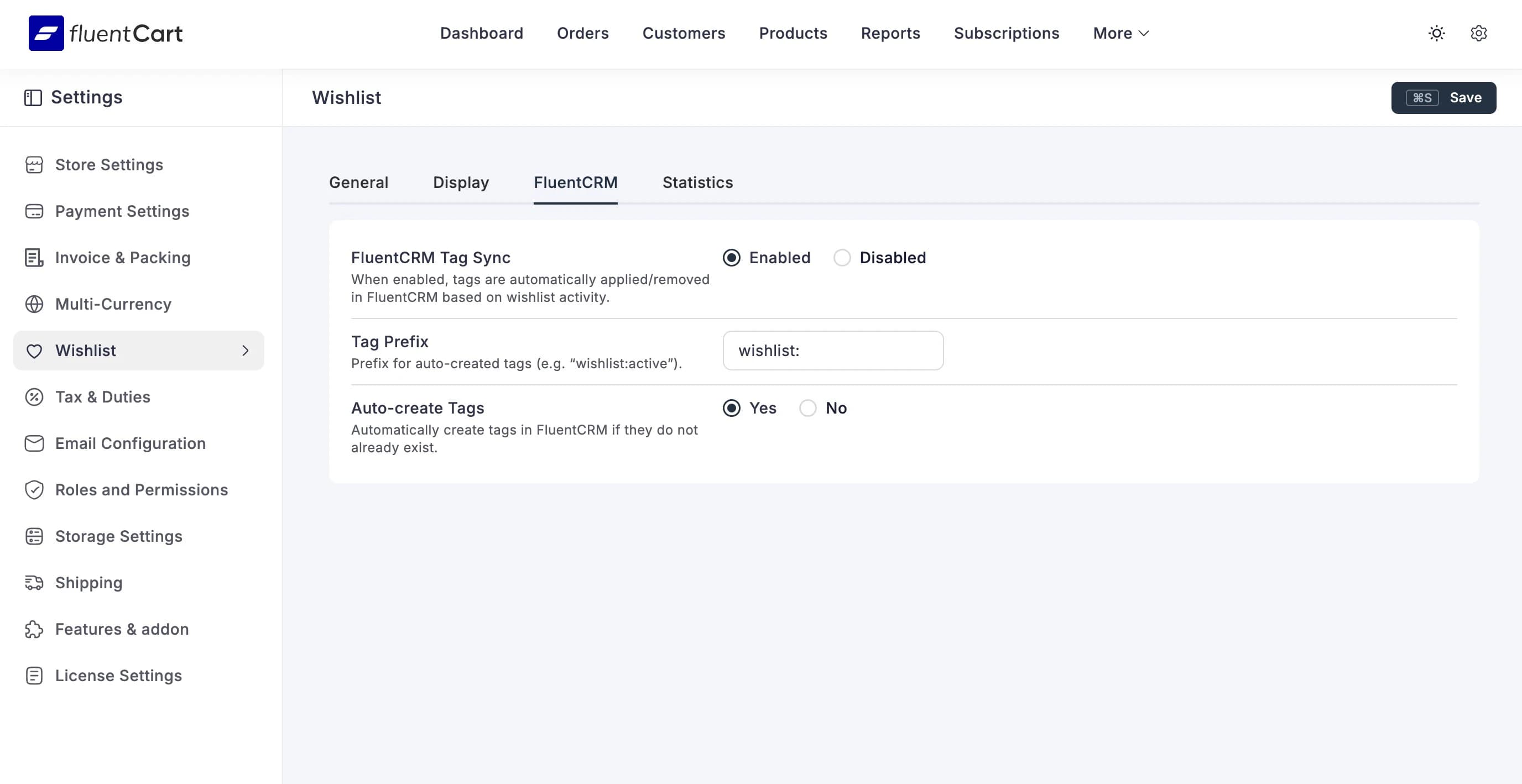
The tag prefix is configurable — default is wishlist:. Change it to whatever fits your existing tag taxonomy.
Setup
- Make sure FluentCRM is installed and activated
- Go to FluentCart > Settings > Wishlist > FluentCRM
- Enable FluentCRM Tag Sync
- Leave Auto-create Tags on (unless you prefer to pre-create tags manually)
- Save
That's it. Tags start flowing immediately.
Automation Funnels
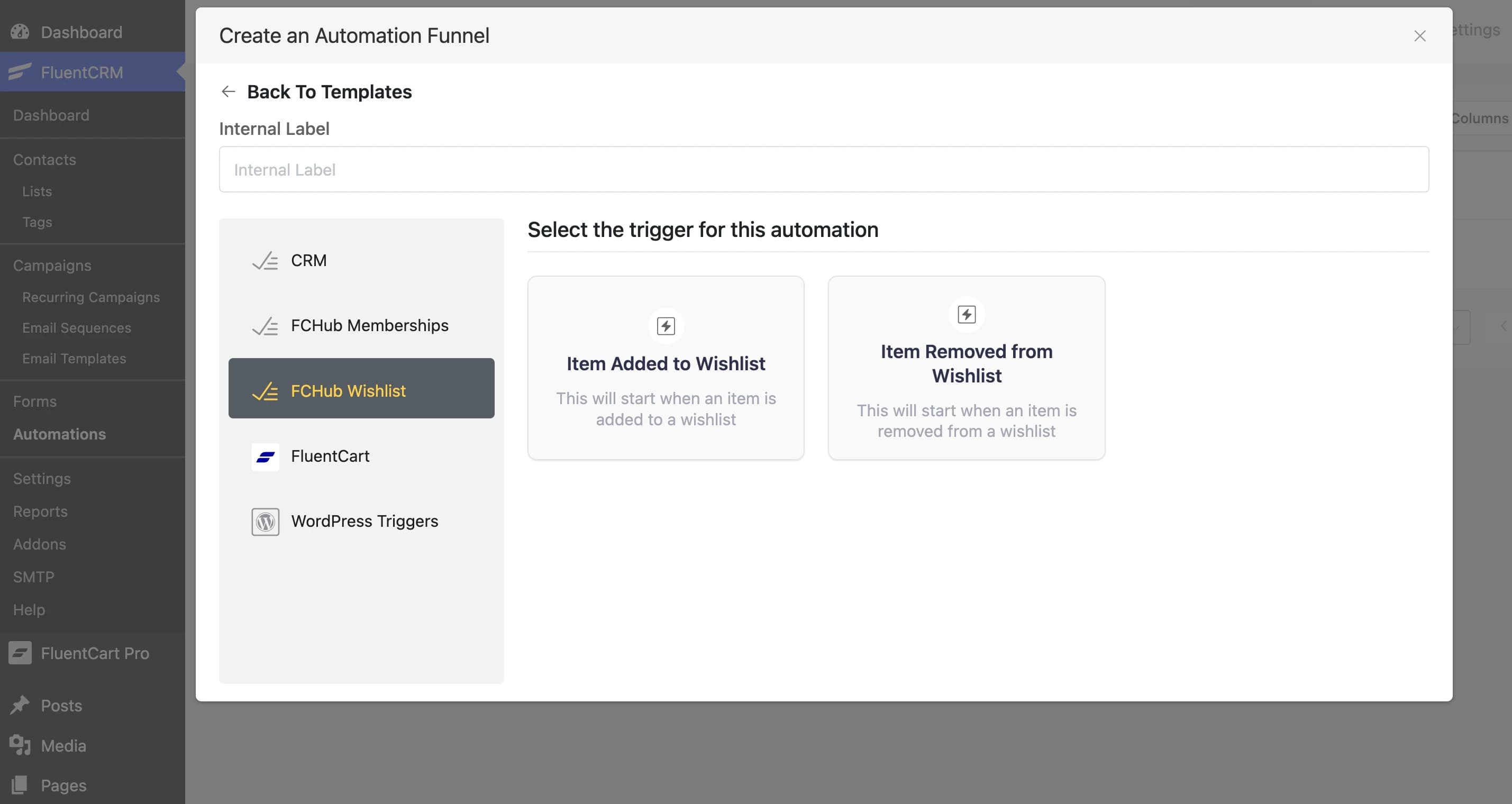
FCHub Wishlist registers its own trigger group in FluentCRM's automation builder. When creating a new funnel, select FCHub Wishlist from the trigger list to access two dedicated triggers:
| Trigger | Fires When |
|---|---|
| Item Added to Wishlist | A customer adds any product to their wishlist |
| Item Removed from Wishlist | A customer removes a product from their wishlist |
These are full automation triggers — you can chain any FluentCRM actions after them: send emails, apply tags, add to lists, set delays, add conditions, the works.
What You Can Do With It
Once tags and automations are flowing, you can:
- Segment by interest — create a segment of everyone with a
wishlist:activetag. These are people who want something but haven't bought it yet. - Trigger re-engagement — set up an automation on the "Item Added to Wishlist" trigger with a 3-day delay. Send a "still thinking about it?" email.
- Discount nudges — combine wishlist tags with purchase history. Someone who wishlisted a product but hasn't bought after 7 days? Send them a coupon.
- Product launch follow-ups — when you update a product that many people have wishlisted, email them about the update.
Requirements
- FluentCRM must be installed and activated
- The customer must have a FluentCRM contact (created manually or via any FluentCRM integration)
- Guest wishlists don't trigger CRM tags — the visitor needs to be a logged-in customer with a matching FluentCRM contact