
Wishlist Integration
FCHub Wishlist prices convert automatically when a visitor switches currency. Zero setup, zero configuration.
If you're running FCHub Wishlist alongside Multi-Currency, wishlist prices convert automatically. No setup, no configuration, no "enable integration" toggle to hunt for. It just works.
How It Works
When a visitor switches their currency — say, from PLN to USD — every price on the wishlist page updates to match. The same conversion engine that handles your shop, cart, and checkout also covers the wishlist. Product prices, variant prices, the lot.
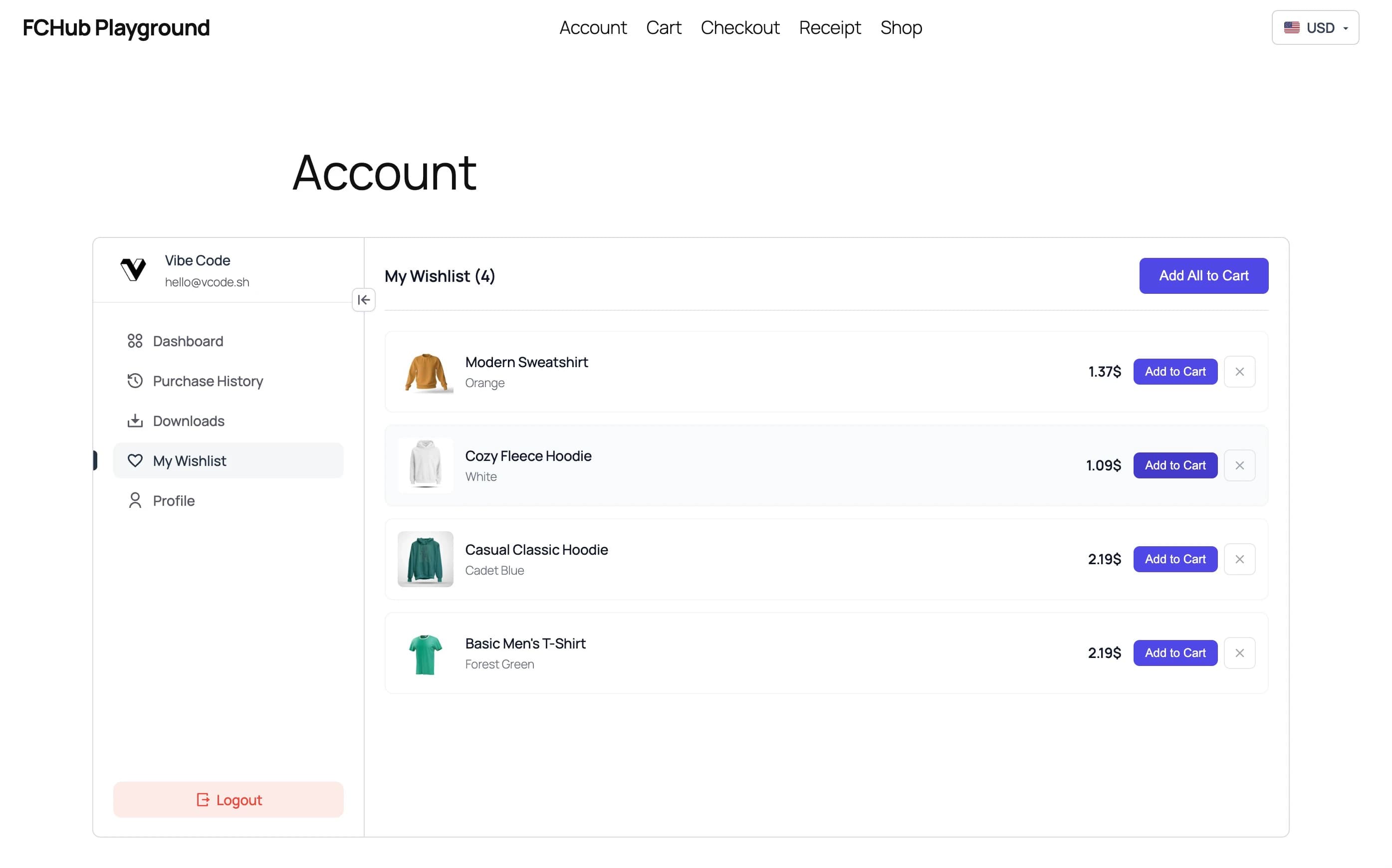
Visitors save items to their wishlist in whatever currency they're browsing. Come back next week in a different currency? Prices update. Switch currencies mid-session? Prices update. The wishlist always shows prices in the visitor's current currency — not whatever currency they were in when they added the item.
What You Need
- FCHub Multi-Currency — installed and enabled (obviously)
- FCHub Wishlist — installed and activated
That's it. Both plugins are FCHub family — they recognise each other and play nicely. No integration feeds to configure, no API keys to exchange, no settings page to visit.
What About the "Add All to Cart" Button?
Works exactly as you'd expect. Visitors see prices in their chosen currency on the wishlist, click "Add All to Cart", and the cart shows the same converted prices. The checkout disclosure still appears, the order snapshot still records the exchange rate — the full Multi-Currency flow applies.